Build it once, properly
Periods, breaks and days set up once; lessons placed on a grid per section.
Timetable and substitutions
Periods, sections and teachers on one weekly grid — clashes caught while you build it, and cover suggested the morning somebody calls in sick.
Start a free trial See pricing
14 days free · No card required
Place a lesson and the grid checks it against every other section. A teacher cannot be in two rooms at once, and you find out while you can still fix it.
Periods, breaks and days set up once; lessons placed on a grid per section.
The grid refuses a lesson that would put a teacher in two places at the same time.
When a teacher is absent, see their lessons for the day and who is free and suitable to take each one.
Teachers see their own timetable; a section's timetable is one click away for the office.
In the product
Periods across the top, days down the side, and a clash shown the moment it happens.
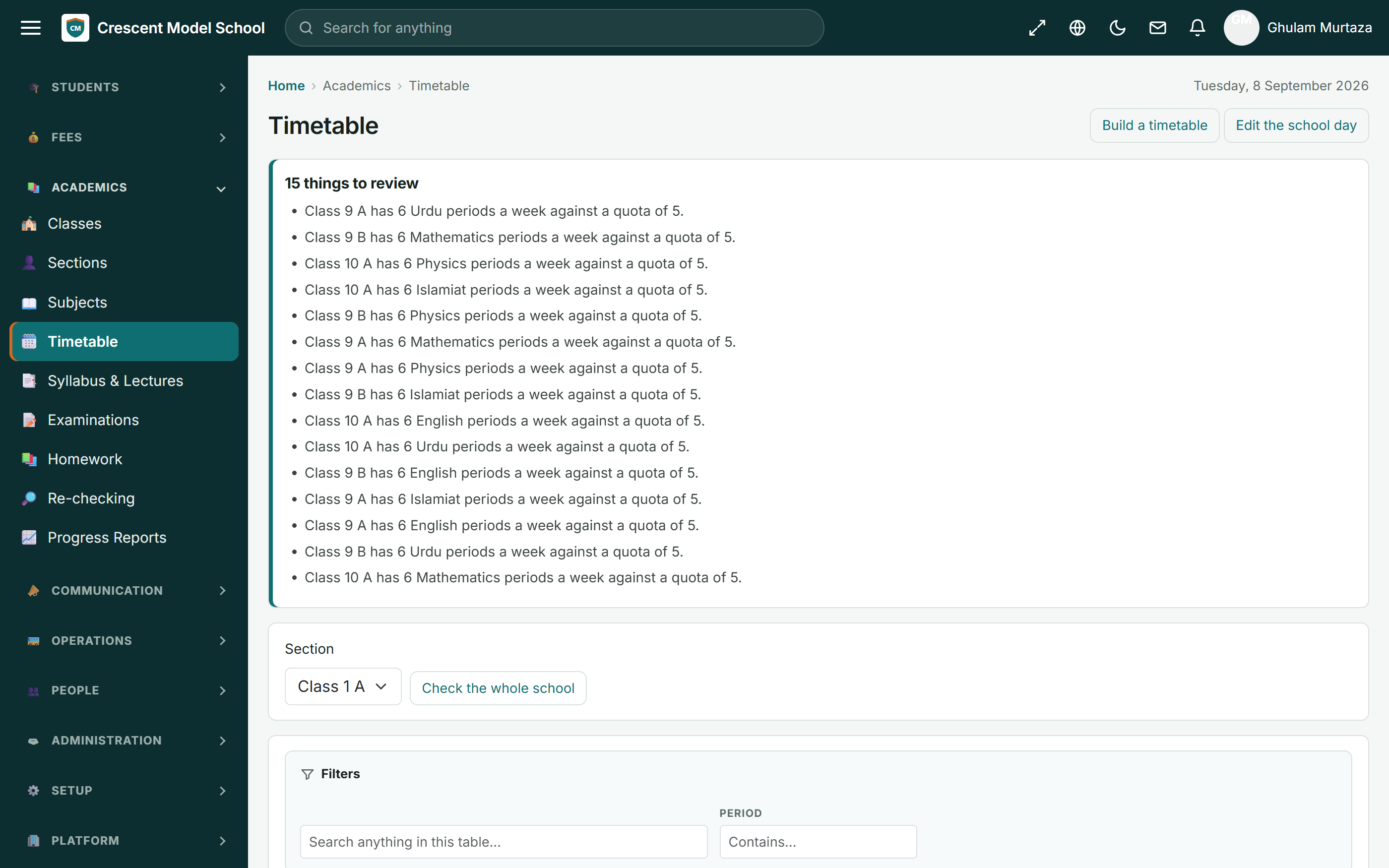
Periods, breaks and which days you teach.
Which teacher takes which subject in which section — once, and reused across the system.
Clashes are caught as you place them.
Mark a teacher away and pick from the suggested substitutes for each lesson.
Not yet. You place lessons and it checks every placement; an automatic generator is not part of the product today.
Yes, it appears in their own day.
Yes. Periods are set up per school, and each campus's sections use their own timetable.
Fourteen days free with everything in your plan switched on. No card to start, and we load a class list for you before the first call.
Staff records from joining to leaving, a monthly payroll with tax, EOBI and loans, payslips and gratuity.
Marks entered once across a grid, grades and positions calculated, result cards on your letterhead.
Several campuses, or several schools, in one account — with consolidated figures for the group.