No family slips through
Enquiries taken by phone, at the counter or on an open day sit in one list with their stage and the date they were last contacted.
Admissions and enquiries
From the first phone call to the first day of term, each family is one record moving through your stages — so nobody is forgotten, and no class is offered out twice.
Start a free trial See pricing
14 days free · No card required
Enquiry, visit, test, offer, enrolled. Move a family along and everybody in the office can see where they are and who spoke to them last.
Enquiries taken by phone, at the counter or on an open day sit in one list with their stage and the date they were last contacted.
Offers already sent count against a class's seats exactly like children already enrolled, so you cannot promise thirty-five places twice.
Each offer has a deadline — a fortnight unless you change it — and lapsed offers are flagged so the seat goes back on sale.
Accepting turns the enquiry into a student record with a registration number and fees, using the same rules as the admission screen.
See how many families reached each stage, and which sources — referrals, signboards, social media — actually end in a child in a classroom.
In the product
Filter by stage, class or source, open a family, and move them on with one click.
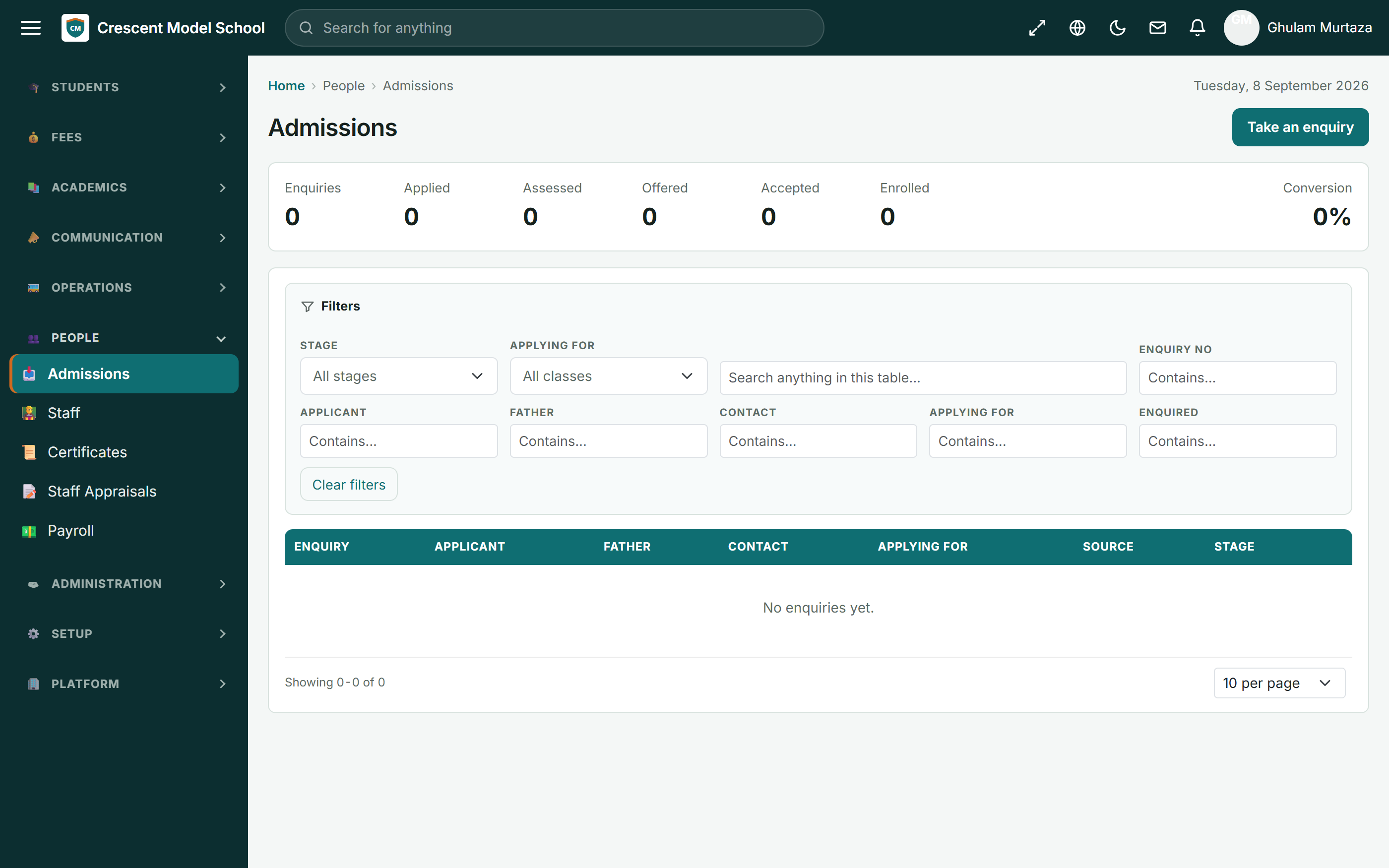
Name, contact, class wanted and where they heard of you. Thirty seconds at the counter or on the phone.
Visit, entrance test, interview, offer — whichever your school uses. Each step is dated and attributed.
The offer counts against the class's seats immediately, and expires on its own if the family goes quiet.
Accepting creates the student record, the registration number and the first fees. Pressing it twice still creates one child.
Yes. Each enquiry shows who last dealt with it and when, so a colleague can pick up where somebody left off.
It stays, marked as enrolled and linked to the student record, so the funnel report still counts it.
No. Only enrolled students count. An enquiry has no fees, no attendance and does not appear in any register.
Student records can be imported from Excel with a preview of every row before anything is saved; we can help bring older enquiry lists across during setup.
Fourteen days free with everything in your plan switched on. No card to start, and we load a class list for you before the first call.
One record per child — guardians, siblings, documents and certificates — instead of four registers.
One message a day that parents actually read, announcements to exactly the right families, and chat.
Fee structures, concessions, three-part challans and a counter that takes a payment in thirty seconds.