Fast marks entry
A grid designed for the keyboard: type a mark, press Tab, type the next. No mouse, no page per student.
Examinations and result cards
Marks entered once across a fast grid. Grades, percentages and positions calculated by your own rules, and result cards printed on your letterhead.
Start a free trial See pricing
14 days free · No card required
Each teacher enters marks for their own subject across a grid that tabs the way a person types. The rest — totals, grades, positions, the card itself — follows.
A grid designed for the keyboard: type a mark, press Tab, type the next. No mouse, no page per student.
Grades and positions follow rules you set — how ties are broken, whether an absent student is ranked — and the arithmetic is tested, not dragged down a spreadsheet.
Results are moderated and then published. Until then parents see nothing.
Result cards and progress reports as PDFs in your school's colours, ready to print or share.
A parent's re-check request is a tracked item with an outcome, not a note in somebody's diary.
In the product
Laid out so a teacher never reaches for the mouse.
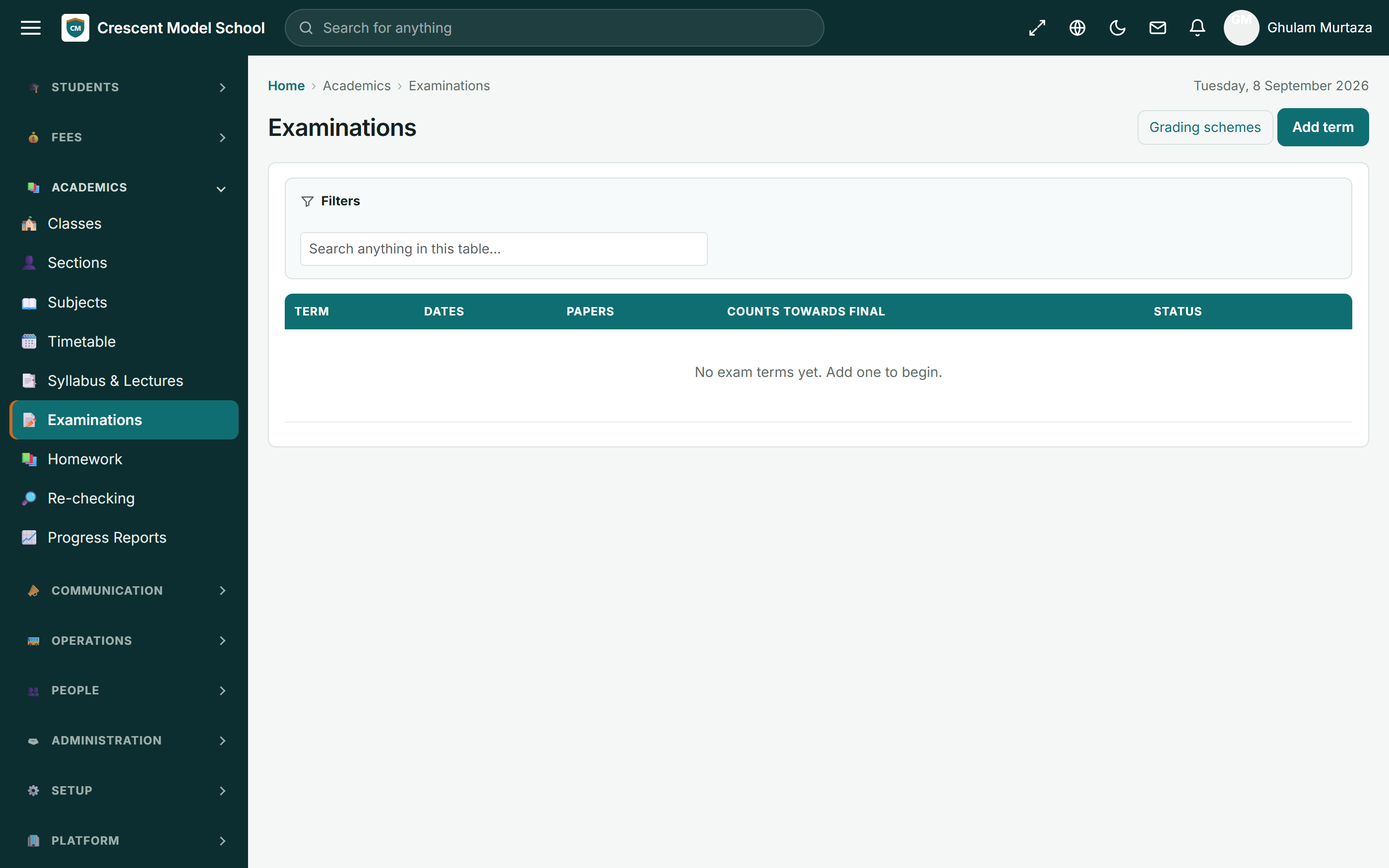
The exam term, its subjects and their maximum marks, and your grading scheme.
Each teacher sees only their own subjects and sections.
Review the results with positions, then publish them when you are ready.
Result cards print on your letterhead; published marks reach parents in their digest.
Yes — your own bands and labels, which can differ between junior and senior classes.
Changes after publication go through your own process; the published result is not quietly altered.
No. Nothing reaches a parent until the result is published.
Board results arrive from the board. The board registration workbench prepares your candidates' data for submission; internal exams are run here.
Fourteen days free with everything in your plan switched on. No card to start, and we load a class list for you before the first call.
Homework set, marked and seen by parents the same evening; what was meant to be taught beside what was.
A principal's dashboard that opens in a blink, and the reports a school is actually asked for.
One message a day that parents actually read, announcements to exactly the right families, and chat.